At some point in your website research, you’ve probably come across two very different pitches. One says: “You don’t need to hire developers anymore — just drag, drop, and launch your site in a weekend.” The other says: “A custom-built website is the only way to get exactly what your business needs, done right.”
Both are selling you something, and both are partly right. The truth, as usual, depends on what you’re building and what you’re trying to get out of it. Let’s go through this properly.
What “No-Code” Actually Means
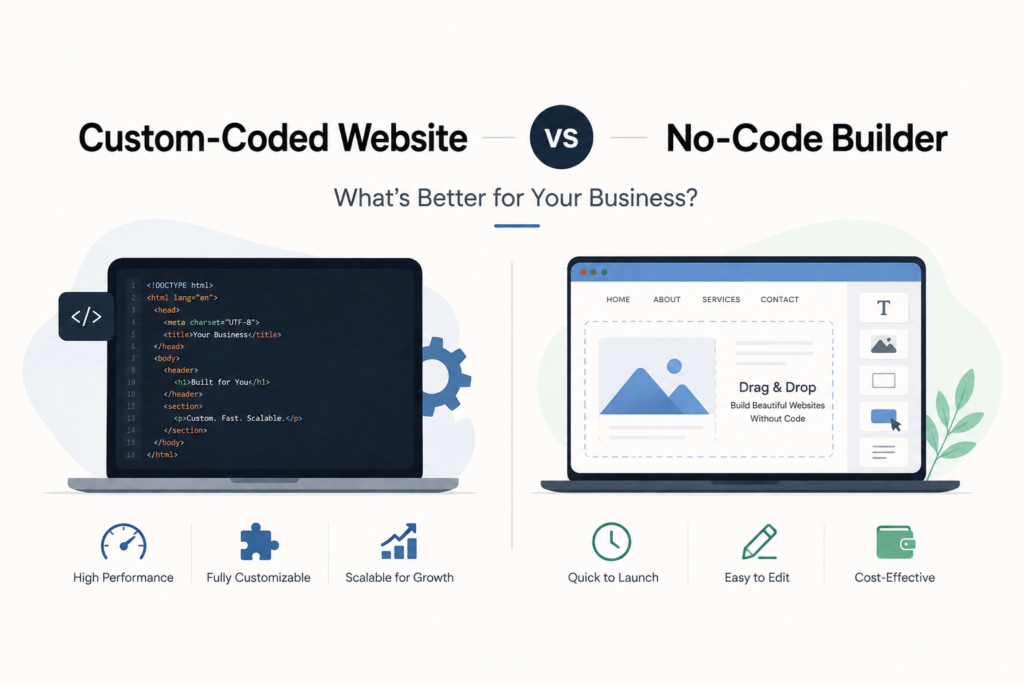
No-code builders — think Wix, Squarespace, Webflow’s drag-and-drop editor, or even WordPress page builders like Elementor — let you build a website visually. You pick a template, drag elements around, add your text and images, and publish. No programming knowledge required.
They’ve genuinely gotten good over the past several years. What used to look obviously “templated” can now look polished and professional, especially in the hands of someone who understands design basics.
What “Custom-Coded” Actually Means
A custom-coded website is built from the ground up — or at least significantly hand-built — by developers writing actual code (HTML, CSS, JavaScript, and often a backend framework) tailored specifically to your business’s requirements, rather than being assembled from a pre-built template system.
This doesn’t necessarily mean starting from a completely blank file. A custom WordPress build, for example, is still “custom” in the sense that it’s built and coded specifically around your business, even though it uses WordPress as its foundation — a distinction worth remembering, since we cover the platform choice separately in WordPress vs Webflow vs Shopify.
Where No-Code Builders Genuinely Make Sense
Let’s give credit where it’s due — no-code isn’t just a budget compromise. There are real situations where it’s the smarter choice:
- You’re a solo founder or very small team testing an idea and need a website live quickly without a big upfront investment
- Your website needs are simple — a few pages, a contact form, maybe a basic portfolio, nothing complex
- You want to make small edits yourself without calling a developer every time you need to change a phone number or add a testimonial
- Budget is genuinely tight and a fully custom build isn’t realistic right now
A freelance photographer in Ahmedabad building a simple portfolio site, or a consultant who just needs a professional one-pager with a contact form, doesn’t need a custom-coded solution. A no-code builder does the job fine.
Where No-Code Builders Start Falling Short
The trouble usually shows up as a business grows. No-code platforms are built to serve as many use cases as possible, which means they’re rarely optimised for any single one. Common pain points we see:
- Performance issues. Drag-and-drop builders often generate bloated code behind the scenes, which can slow load times — and speed directly affects both user experience and Google rankings
- Design limitations. You’re working within the builder’s structural rules, even if the visual options feel flexible. Truly unique layouts are harder to pull off
- SEO ceiling. Some builders make it harder to control technical SEO elements — URL structures, page speed, schema markup — that matter more as your content grows
- Scaling difficulty. Adding advanced functionality later (custom booking systems, membership areas, integrations with business tools) is often clunky or outright unsupported
- Platform lock-in. Your content and design often can’t be exported cleanly if you decide to switch platforms later — you’re rebuilding from scratch, not migrating
Where Custom-Coded Websites Make Sense
A custom build costs more upfront, but for the right business, it pays for itself. It’s worth it when:
- Your website is central to your business, not a side detail. If most of your leads or sales come through your site, performance and conversion optimisation matter enough to justify the investment
- You need something genuinely unique. Competing on brand and design in a crowded market means you can’t look like everyone else who used the same template
- You’re planning to scale. Custom builds are easier to extend with new features over time, since there’s no builder-imposed ceiling
- SEO is a serious growth channel for you. Custom code gives full control over technical SEO — site structure, load speed, schema, everything that affects how Google reads and ranks your site
A growing manufacturing company in the GIDC belt with a serious B2B sales pipeline, or a multi-location healthcare group in Ahmedabad, generally has more to gain from a custom build than from stretching a template past its limits.
The Real Comparison: Cost vs Value, Not Just Price
It’s tempting to compare these two purely on upfront cost, but that misses the bigger picture. A no-code builder might cost less to launch, but if it caps your growth, limits your SEO performance, or needs a rebuild in two years anyway, the “savings” often disappear.
A custom-coded site costs more initially, but if it’s built properly, it becomes a long-term asset — one that supports your SEO, scales with your business, and doesn’t need replacing every time you outgrow a template’s limitations.
Neither option is universally “better.” The mistake is picking one without being honest about where your business actually is right now, and where it’s headed in the next couple of years.
A Middle Ground Worth Knowing About
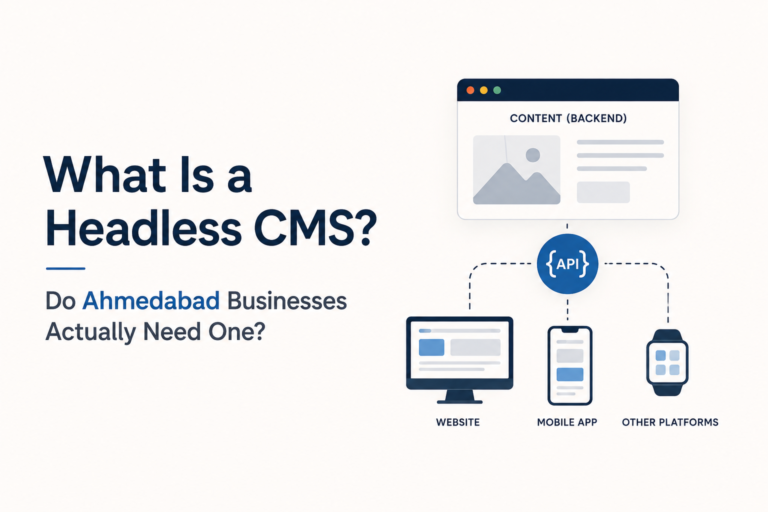
There’s a practical middle path a lot of businesses don’t realise exists: a custom-built website on a flexible CMS like WordPress. You get the design freedom and technical control of custom code, combined with an easy-to-manage backend so your team isn’t dependent on a developer for every content update. It’s often the sweet spot between “too rigid” (pure no-code) and “too technical to maintain” (fully custom frameworks or headless setups) — a distinction we go into more in what is a headless CMS.
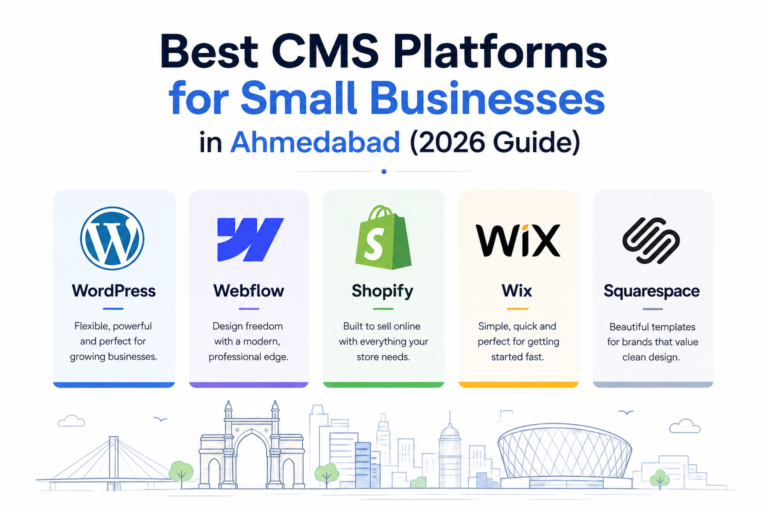
If you’re weighing CMS options specifically for a small or growing business, best CMS platforms for small businesses in Ahmedabad breaks down a few solid options in that middle ground.
How to Actually Decide
Ask yourself three honest questions:
- Is your website a core part of how you get business, or a supporting detail? Core = lean toward custom. Supporting = no-code is probably fine.
- Do you expect to add significant new functionality in the next 1–2 years? If yes, custom will save you a rebuild later.
- Is SEO a serious growth channel for your business? If ranking well matters a lot, custom code gives you more control to get there.
The Bottom Line
No-code builders aren’t “cheap and bad,” and custom code isn’t “expensive and unnecessary.” They solve different problems at different stages of a business. The honest move is to match the tool to where your business genuinely is — not to where a sales pitch tells you it should be.
If you’re not sure which side of that line your business falls on, that’s exactly the kind of conversation worth having before committing to either path. At Bison Media, we’ve built both types of websites for Ahmedabad businesses, and we’ll tell you honestly which one fits your situation — even if it’s not the more expensive option.